

What Are Field Settings?
Field settings allow you to customize the form builder interface by:- Adding custom controls for data collection
- Hiding unnecessary options to simplify the interface
- Creating targeted settings for different field types
- Collecting metadata for your business needs
Quick Start
Understanding Targets
Targets determine where your settings appear in the form builder:Setting Types
1. Identifier Settings
Predefined field identifier options with custom option support: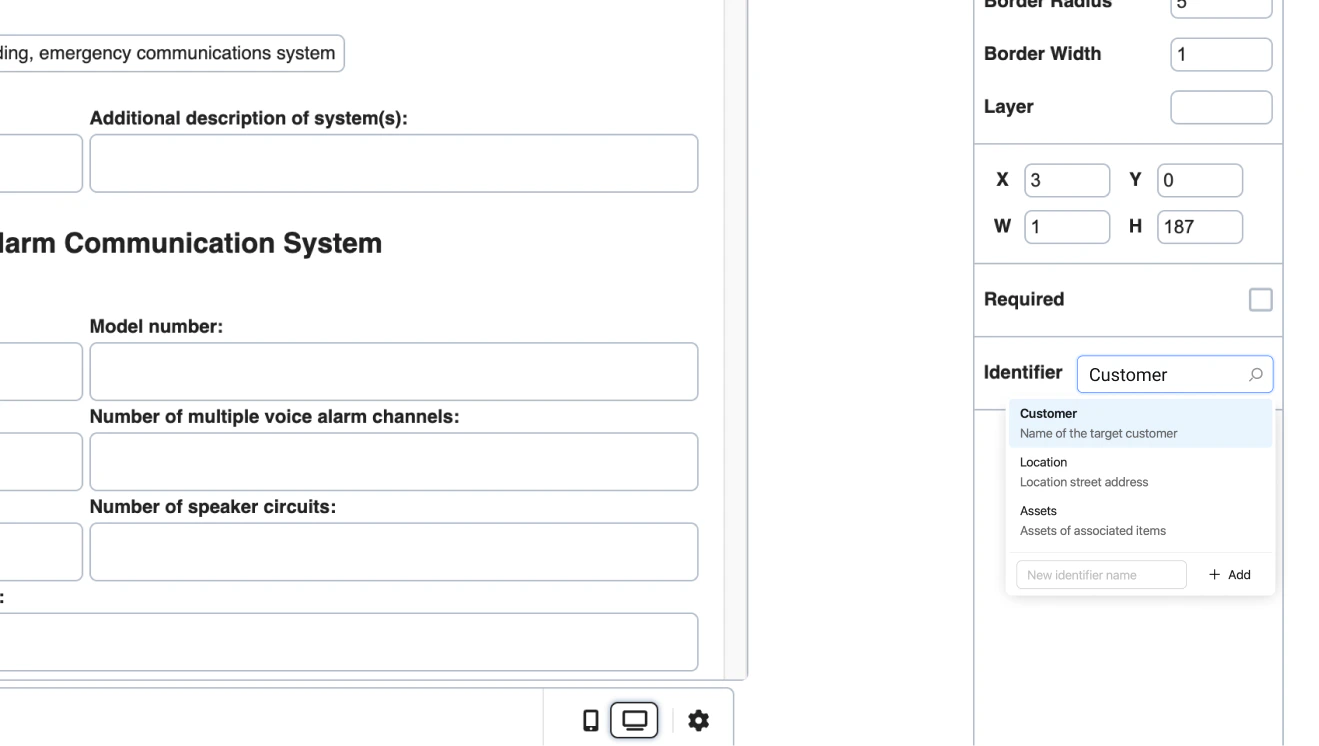
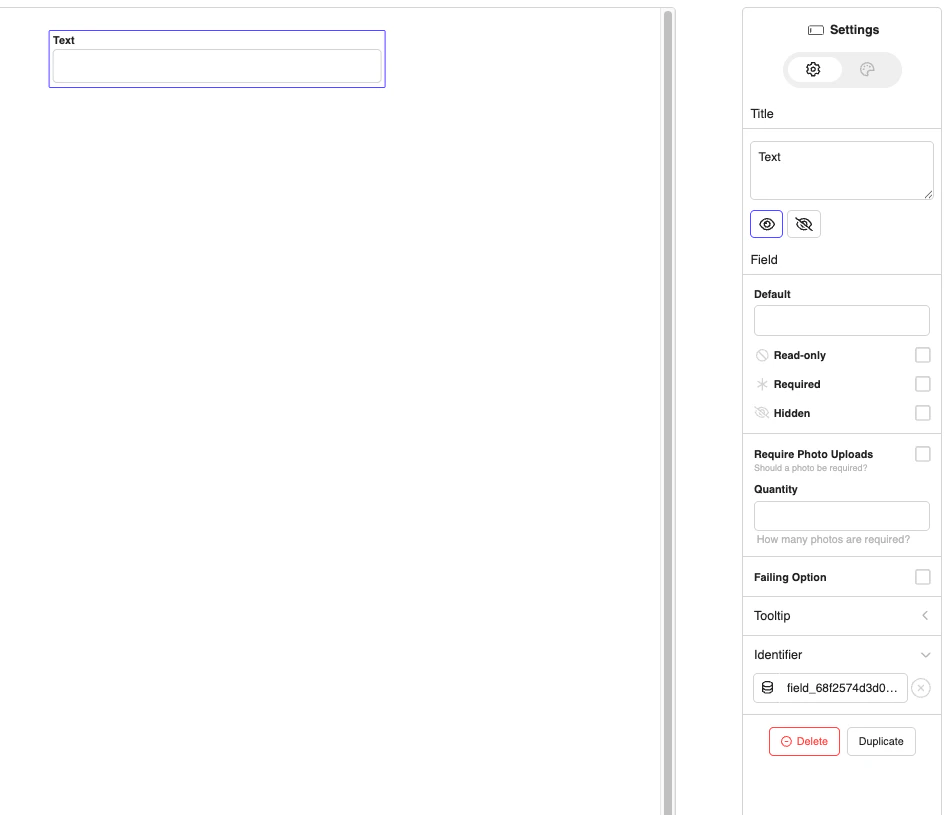
2. Metadata Settings
Custom controls that save data to field metadata:
Metadata Example:
3. Table Columns Settings
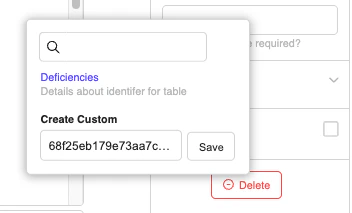
Customize table field columns:Metadata for columns:
Custom column identifier
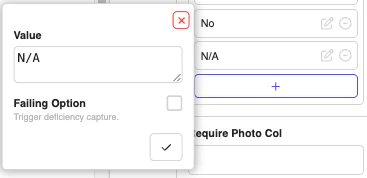
4. Options Settings
Customize dropdown/select field options:Hiding Settings
Hide default settings by setting them tofalse:
Advanced Features
File Upload Handlers
Global Settings
Complete Example
Here’s the exact fieldSettings example from JoyDoc.stories.js:Best Practices
1. Keep It Simple
Don’t overwhelm users with too many custom settings. Focus on what’s essential for your use case.2. Use Clear Labels and Descriptions
Help users understand what each setting does with descriptive labels and helpful descriptions.3. Provide Default Values
Set sensible defaults to improve user experience.4. Group Related Settings
Use dividers to organize settings logically.Troubleshooting
Common Issues
Settings Not Appearing: Check your target syntax and ensure the field type matches. Metadata Not Saving: Ensure you’re using the correctkey property and that it’s unique.
Settings Hidden When They Should Show: Check for conflicting false values in your settings.
Summary
Field settings customization in Joyfill allows you to:- ✅ Add custom controls for your specific needs
- ✅ Hide unnecessary options to simplify the interface
- ✅ Target specific field types with specialized settings
- ✅ Collect metadata for your business processes
- ✅ Create a tailored experience for your users